Block Puzzle — We can play it!
Welcome to another installment on building a Block Puzzle. We are continuing the series of articles that describe the process taken to develop a Tetris-like game.
In the previous article, we made the game almost playable. It was almost playable because we could interact with it, but the logic to remove completed lines was not there. In this article, we are going to add several types of pieces to the game and the logic that detects full lines and removes them.
Context
Now that we have an almost playable game, we need to add more pieces and detect full lines in the game. I decided to start by adding more pieces, which should be simple, as it should not require any changes to the game core.
Adding more pieces
I added the basic pieces to see if the TDD approach actually worked, and you know what? It did! The game is working. I ended up adding all the pieces and a keyboard action to move the piece down so I don’t have to wait it out (I will need to add a gesture for mobile phones, but I can leave that for another time). To make it a game, I need to implement the removal of completed lines.
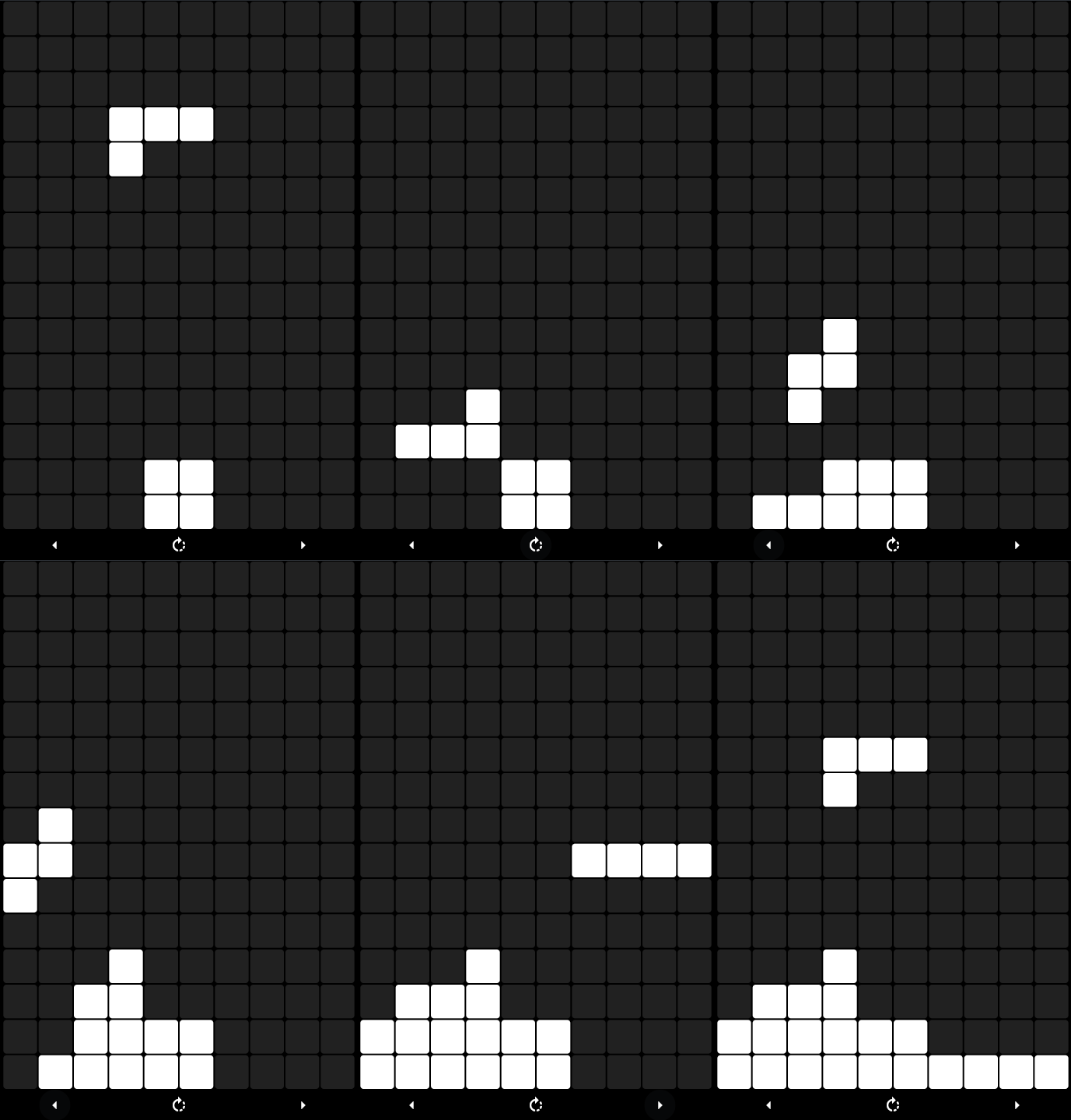
Game play with multiple piece types and the possibility to accelerate the motion.
Removing completed lines
Removing completed lines turned out to be simpler than I thought. I ended up going for the gold in the unit test, but I managed to get it to work at the first time. This means that we finally have a game that feels good to play. This is when I started to feel the benefit of having use test driven development: I am able to add a new feature easily, changing only one module of the system.
Starting the game
Up until now, we have been focusing on the game play, but there is something that the game really needs: a start-up screen. There are two main reasons to build one: so that the game doesn’t start immediately when it is open, and so that the user can start a new game when the game is over. Until now, the game would simply get stuck, and the user would have to close the game.
Providing feedback
Our game is playable, but we need to notify the user when the game is over and to pause the game if the user “walks away” from it. It would also be nice to start the game paused when you first open it, not to mention providing some sort of score… then there is color, sound… lots of things to add!
The first thing I need to add is the feedback on the game state: when the game is over, allow the player to restart the game. The process was so easy that I ended up not doing any unit tests, as it is a part that is not really crucial to the game.
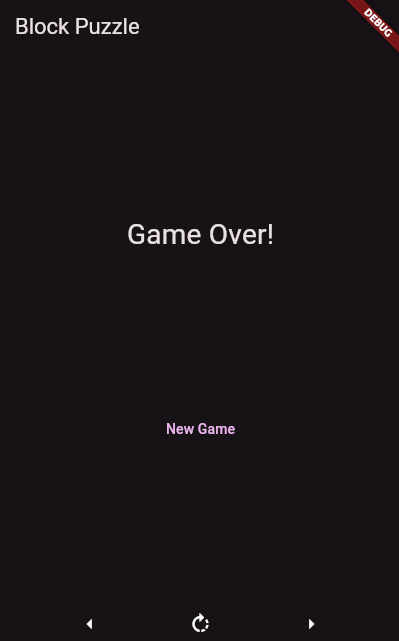
Game Over Screen
Next Steps
The game is missing two crucial pieces, from my point of view: color and scoring. Those are the next steps in this adventure, and I will call it a day for this game. Remember, I am taking this step by step. The next step will be the final one on the block puzzle, and then I will move on to the next game.
If you feel there is any crucial feature that should be in the game, drop me a line. If the idea picks my interest, I will add the feature 🙂
As usual, you will find a tag on GitHub with the state of the project at this point.
Articles in the series: